
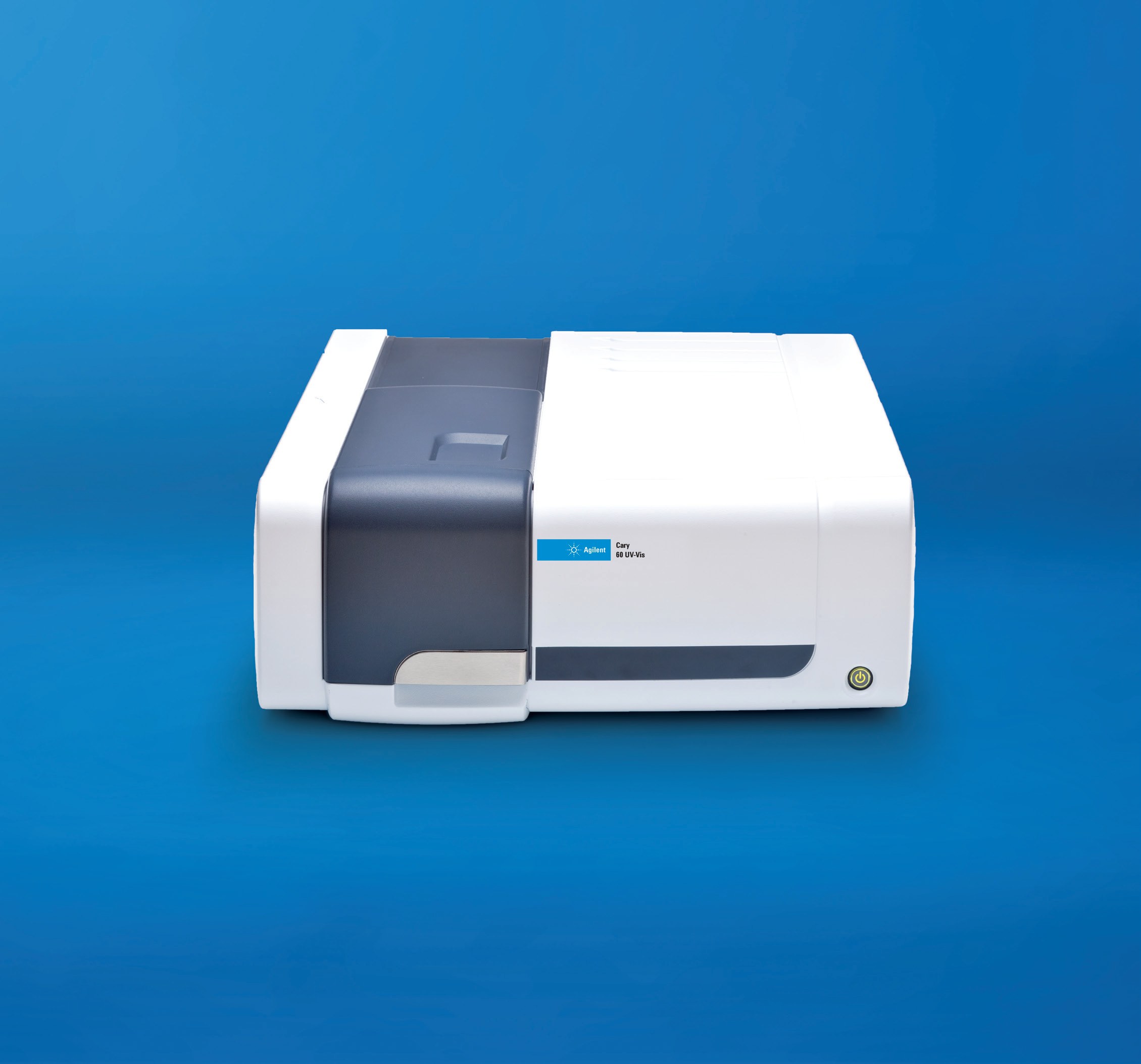
Agilent Technologies Cary 60
Agilent Technologies Cary 60 — Molecular spectroscopy.
The Cary 60 is a single-beam UV-Vis spectrophotometer covering 190–1,100 nm with a 1.5 mm focused beam and a 4 µL minimum sample volume. It acquires a full-range scan in 3 s at up to 24,000 nm/min, using a xenon flash lamp rated for 3 flashes of lamp lifetime with a 10-year warranty. It serves routine quantitative absorbance and wavelength-scan work in analytical laboratories.
Agilent Technologies Cary Series — Model Comparison & Selection
| Model | Wavelength range | Focused beam diameter, mm | Integrating sphere diameter, mm | Temperature range, °C |
|---|---|---|---|---|
| Cary 60 Current | 190...1,100 | — | — | — |
| Cary 3500 | — | 1.5 | — | 5...110 |
| Cary 3500 Compact UV-Vis Spectrophotometer | — | 1.5 | — | 5...110 |
| Cary 3500 Flexible UV-Vis, Large Sample Compartment | — | 1.5 | — | — |
| Cary 4000 UV-Vis | 175...900 | — | 150 | — |
| Cary 5000 UV-Vis-NIR spectrophotometer | 175...900 | — | — | — |
| Cary 6000i UV-Vis-NIR | 175...900 | — | 150 | — |
Full specifications
| Wavelength range | 190...1,100 nm |
| Sample volume | 4 µL |
| Scan speed | 24000 nm/min |
| Full wavelength range scan time mfr | 3 s |
| Lamp lifetime mfr | 3 flashes |
| Beam focus size mfr | 1.5 mm |
| Focused beam size mfr | 1.5 mm |
| Cost savings mfr | 4500 |
| Time savings mfr | 200 hrs |
| Quality control of raw materials and finished goods mfr | Study of pigments in art conservation through re |
| Color measurements and color matching mfr | Characterization of unknown or newly synthesized |
| Analysis of nutrients in water, food, and agriculture mfr | Monitoring kinetics of chemical or biological re |
| Analysis of turbid solutions or relatively highly absorbing samples mfr | Measurement of films and optical components comp |
| Analysis of bulk optics (e.g., sunglasses) mfr | Analyzing photochemical reactions in situ during |
| lamp lifetime mfr | 3 flashes |
| beam focus size mfr | 1.5 mm |
| kinetics data collection time mfr | 5 days |
| rapid mix start time mfr | 1 second |
| calibration wait time mfr | 2 minutes |
| validation test duration mfr | 7 minutes |
| Lamp warranty mfr | 10 years |
Description
Construction and series positioning
- Single-model instrument within the Agilent UV-Vis/UV-Vis-NIR series; the quick-start guide describes only the Cary 60 (serial example G6860A), with no ordering variants.
- Sits below the Cary 3500 family (standard, Compact, and Flexible large-compartment versions) and the Cary 4000, whose 175–900 nm range extends further into the UV than the Cary 60's 190 nm limit.
- The 1.5 mm beam focus and 4 µL minimum sample volume suit small-volume cuvettes rather than the large-compartment configurations of the 3500 Flexible.
Optical performance
- Wavelength range 190–1,100 nm; scan speed up to 24,000 nm/min, with a full-range scan completed in 3 s.
- Xenon flash lamp: 3 flashes cited for lamp lifetime, with a 10-year lamp warranty. No digitized curve points were supplied, so photometric linearity and stray-light behavior cannot be stated here.
Installation and control
- Controlled from a PC running Cary WinUV over a USB link; mains power and USB are both required before power-on.
- Registration uses the product key on the CD case plus the instrument serial number; validation runs a 2-minute calibration followed by a 7-minute test and produces an automated report for printing and retention.
- Two people are required to lift the instrument onto the bench.
Integration & Operating Notes
The quick-start guide specifies that the Cary 60 is unpacked and lifted onto the bench by two people. Plan bench access and clearance for two operators during installation, and verify the packing list against the illustration before discarding packaging, since accessories are not all shown.
Hardware installation requires connecting the instrument to mains power and to the computer via USB before turning the instrument on. Registration and validation in Cary WinUV depend on this link, so the PC and USB cable must be in place before first power-up.
Software registration requires the product key printed on the CD case and the instrument serial number entered when adding the hardware. Record the serial number (format example G6860A / AU11060003) and retain the CD case; without the key the Cary WinUV installation cannot be registered.
Validation comprises a calibration step requiring a 2-minute wait and a test step requiring a 7-minute wait; the test must not be interrupted. An automated report is then generated, printed and the Validate application closed. Schedule first-time acceptance accordingly and archive the printed report.
During Cary WinUV installation the 'Always trust software from Agilent Technologies, Incorporated' box must be checked and any User Account Control dialog answered with Yes. If the setup screen does not appear, run AgilentCaryWinUVSetup from the installation disc manually.
Selection & Integration Q&A
Pick the Cary 60 for routine 190–1,100 nm work with small volumes (4 µL) and fast full-range scans (3 s). Choose a Cary 3500 variant when a large sample compartment or multi-cell configuration is needed, or the Cary 4000 when the range must extend to 175 nm in the UV.
A computer with Cary WinUV installed from the supplied CD, a USB cable to the instrument, and mains power. Both power and USB must be connected before switch-on; registration needs the CD-case product key and the instrument serial number.
It must be lifted onto the bench by two people, so plan bench access for two operators. The PC running Cary WinUV must be available at installation for USB connection, registration and the roughly 9-minute validation sequence.
First acceptance requires the Cary WinUV installation disc, the CD-case product key, the instrument serial number, a PC with USB, and about 9 minutes for calibration and validation; the printed validation report should be archived. Additional accessories are not shown in the packing-list illustration and must be checked separately.